

Go to New Games


Baseball For Brainrot

Baseball For Brainrot

Flip Spot

Basketball Hit

Flip Or Fail

Speed Stars Unblocked
Pet Runner

Tomb Runner

Basket Sports Stars

Extreme Raptor Racing
Dino T Rex 3D Run

Dino Game For 2-3 Players

TapKO

Soccer Star - Music Ball Jump 3D

Football: Robots vs Zombies, World Cup!

Rocketcar Cup

Turbo Flip
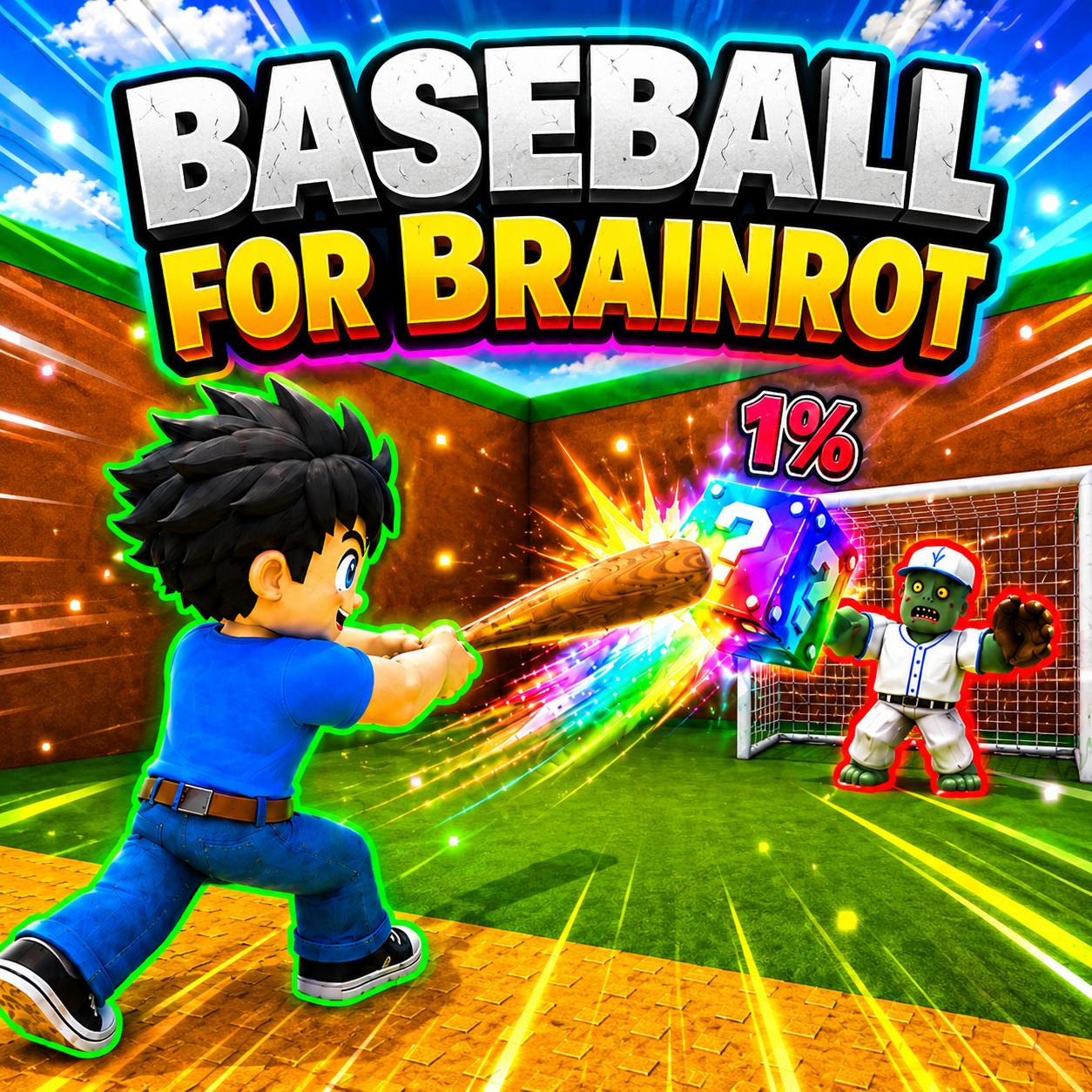
Does it make a difference to Baseball For Brainrot whether or not you are still sane? Simply, simply, it puts the bat in your hand and commands you to hit.
Brain Is Gone, But The Bat Is Still In Your Hand
The lucky block flies away, shatters, and the Brainrot creature emerges with an inexplicable face. More money, odd stuff, and more cause for the baseball zombie to chase you the further you hit. In a dark cloak, wide-brimmed hat, and white mechanical wings, the figure stands in the field as if waking up. Brown walls, green borders, and a lime-yellow-green floor make the baseball field seem AI-drawn. You hit, you run, you collect creatures to imprison, and then watch them sit still and generate money. Arm strength increases, base expands, collection grows. This vortex needs no lengthy explanation because it operates on its own, fueled by the player's loss of control.
Simplified And Easily Recognizable Gameplay
- Step onto the rubber mat and swing your bat to hit the waiting lucky block.
- The farther you hit the block, the rarer and more unusual the creature and reward inside become.
- Baseball zombies can intercept the block in mid-air and then immediately chase you across the map.
- You must escape in time to collect the creature and bring it back to your base before being caught.
- Place the creature in spaces so it starts generating passive income over time.
- Get stronger, build a stronger foundation, and hit even further shots with the money you earn by training your arm.
Controls For Those Who Still Retain Their Reflexes
On mobile devices, the left joystick allows the character to move smoothly across the field. Swipe right to rotate the camera to observe the entire situation. Virtual buttons handle all other actions from swinging the bat to interacting. On a computer, the WASD keys or arrow keys control movement. Spatial jumps: the right mouse button drags to alter the camera angle, and the left mouse button swings the stick to strike. The Q key throws Brainrot creatures, and E interacts with surrounding objects. The 1 key starts training mode, P opens settings, X displays stats, Z opens respawn, and T awards. The control system is designed so that players can focus on their attacks while reacting quickly to zombies.